Meet the new standard for tracking updates on GitHub
We believe that notifications don't have to be a nuisance. Our method for re-defining how updates should behave help bring the focus back onto what's important — your work.
Branch based approach
We group notifications by their branch – this means all updates that come in will be rolled up together in one cohesive message.
Whenever you check your notifications, you'll have a clear understanding of what's changed since you've last taken a look. We try to reduce the amount of context switching you encounter day-to-day while just trying to stay up to date.
Magic filters already setup for you
You never have to touch another email filter again (for handling GitHub notifications, at least).
Our proprietary notifications processor already removes any useless notification that you'd normally find cluttering your inbox. We value your time, so we will only send you a notification when it's something that you care about.
The automatic filters we have set up make sure you can focus on the important things without any extra maintenance on your end.
Smart notifications
One of the many perks of having magical filters are the improved notifications.
Whenever an important update rolls into Skipper, we'll send you a desktop notification with a quick summary of what's new.
You're able to turn off these notifications if you want, but we recommend you keep them on so you can stay up-to-date!

Native integration
There's no need to context switch every time you want to check your notifications.
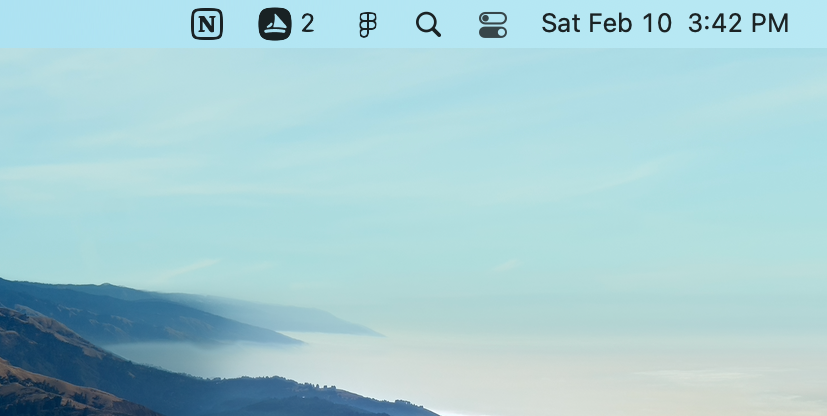
We seamlessly fit into your day-to-day workflow by offering a native Mac OS application that lives in your menu bar. Checking your updates is just one click away, no matter what you're doing.
Automatic sorting
Sometimes the most important update isn't the most recent. We take this into account and sort what we think are the most important updates towards the top of your list.
Your updates are ranked and ordered using our own heuristic algorithm, based on the same approach Meteorite used in its GitHub notifications platform.
Privacy and security
We doesn't store any of your data, ever. Everything that Skipper needs to run effectively can be, and is always, kept directly on your own computer.
This means that you own all of your data and nothing sensitive ever ends up in a database somewhere. We take privacy very seriously and try to make things as simple as possible for everybody.
The way we do this is by using your browser's local storage directly to keep any relevant handy. Your browser effectively is our database — anything we need to store for making Skipper work efficiently is kept on your computer.